Written by Business Moving Group - Southern California's Commercial Moving Experts.
Relocating your office in Southern California presents a paradox: it is an opportunity for growth, yet it poses a significant risk to productivity. In the fast-paced business environments of Irvine, Los Angeles, and San Diego, every hour your team spends disconnected or searching for files is an hour of lost revenue. Downtime is not just an inconvenience; it is an operational expense.
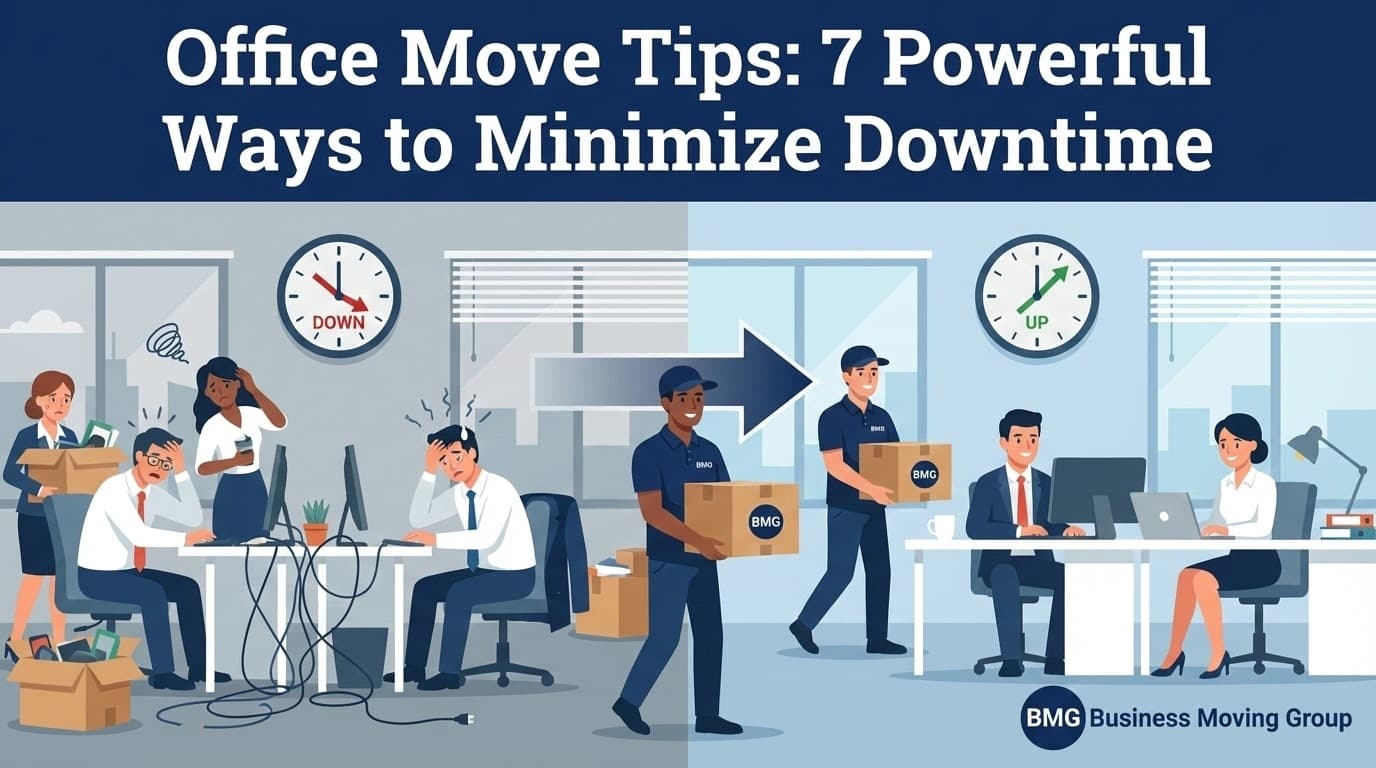
At Business Moving Group, we do not simply move boxes; we manage business continuity. Through years of executing commercial relocations, we have refined a strategy focused on one metric: Minimizing Downtime. Here are the seven logistical protocols necessary to ensure your business operations remain uninterrupted.
1. Appoint an Internal "Move Champion"
Successful logistics require a single point of truth. Designate an internal Move Coordinator who will serve as the primary liaison between your executive team and Business Moving Group. This prevents the "too many cooks" scenario where conflicting instructions lead to delays on the loading dock.
Coordinator Responsibilities
- Communication: Aggregating department needs and relaying them to the moving project manager.
- Access Control: Managing key cards, elevator reservations, and parking permits.
- Timeline Enforcement: Ensuring internal packing deadlines are met before the trucks arrive.
2. Leverage the Weekend (The Zero-Downtime Strategy)
In the 24/7 economy of Southern California, shutting down on a Tuesday is rarely an option. We advocate for after-hours and weekend execution to ensure the physical move happens while your team is off the clock.
The Ideal Timeline:
- Friday (1:00 PM): Employees pack personal crates; IT begins disconnect protocols.
- Friday (5:00 PM): BMG crews load core assets and furniture.
- Saturday: Delivery, furniture installation, and IT reconnection at the new site.
- Monday (8:00 AM): Staff arrives at the new location, ready to work.
3. Implement "Zone-Based" Packing and Labeling
Chaos creates downtime. To ensure rapid unpacking, we utilize a zone-based labeling system. Rather than labeling a box "Marketing," we label it "Zone B - Room 204 - Desk 3." This granular precision ensures that when your marketing director walks in on Monday morning, their specific files are exactly where they need to be.
Color-Coding Protocol: We assign specific colors to distinct floors or departments, allowing movers to route crates efficiently without stopping to read every label, significantly speeding up the unload process.
4. Professional IT Disconnect/Reconnect Services
The number one cause of post-move downtime is IT failure. Expecting employees to reconnect their own workstations often results in cabling errors, network conflicts, and damaged ports.
The Protocol:
- Bag & Tag: We label every peripheral, cable, and monitor.
- Server Handling: Mission-critical servers require anti-static packing and priority transport chains.
- Reconnect: Our tech teams reinstall the hardware so that when your staff sits down, the mouse works, the monitors are oriented correctly, and the network is live.
Explore our IT and Technology moving services.
5. Prioritize Connectivity (The "Day One" Rule)
You can function without a conference table, but you cannot function without Wi-Fi. A common oversight is assuming ISPs (Internet Service Providers) in LA or OC work instantly. They don't.
Coordinate with your ISP 60 days in advance to ensure the circuit is live before the move weekend. We recommend scheduling a "Tech Test" on the Sunday prior to Monday opening to verify bandwidth and phone line functionality.
6. Strategic "Zone" Packing
For larger offices, packing everything at once paralyses operations. We recommend a phased approach. Pack non-essential archives and storage rooms weeks in advance. Pack active workstations last. This "Zone-Based" packing keeps your revenue-generating teams operational for as long as possible.
7. The Pre-Move Walkthrough (Layout Verification)
On move day, indecision is expensive. If the movers have to ask where the copier goes, time is wasted. Conduct a final walkthrough of the new space with your BMG Project Manager before the trucks arrive.
- Power Checks: Verify electrical outlets match the proposed desk layout.
- Space Planning: Mark the floor with low-tack tape to indicate exactly where furniture systems should be placed.
Download our Step-by-Step Office Moving Checklist.
Calculating the Cost of Downtime
Why invest in professional project management? Because the alternative is expensive. Use this simple formula to estimate the risk of a DIY or poorly managed move:
The Downtime Formula(Hourly Revenue x Number of Employees) x Hours of Delay = Total Loss
Example: If your company generates $200/hr in revenue per employee, and 15 employees are down for just 6 hours due to IT issues:
$200 x 15 employees x 6 hours = $18,000 Loss
Final Checklist for Stability
| Task | Status |
|---|---|
| Assigned Internal Move Coordinator | |
| Confirmed ISP/Internet is LIVE at new site | |
| Established "Do-Not-Exceed" Project Price | |
| Conducted Final Layout Walkthrough | |
| Notified Vendors, Clients & Google My Business |
Note: The SBA recommends notifying agencies like the IRS and local licensing boards immediately upon relocating to avoid compliance lapses.
Partner with a Professional
Business Moving Group is trusted by Southern California's leading firms because we prioritize your uptime. We handle the logistics-from COI management to furniture installation-so you can focus on your business.